Mac Geek Gab — Apple Tips, Tricks, and Troubleshooting
Mac Geek Gab is a weekly podcast where hosts Dave Hamilton, Adam Christianson, and Pilot Pete answer Apple tech questions from listeners. They share tips, tricks, and troubleshooting advice for Mac, iPhone, iPad, and other Apple devices. The show is delivered in a fun, friendly style suitable for both geeks and everyday users.
Episodes

Emphatically Kind Requests
Customize your Finder icons for instant recognition, stretch your Apple Watch battery on long workouts with Low Power Mode, and jump months back in your Messages history with a single tap. You’ll also learn how to force macOS 27 to download from Terminal when Software Update won’t show it, and how to run separate Claude Desktop apps for work and home. Then your two geeks and a pilot ta
Chromations or Aberrations or a Sheen
Kick off Mac Geek Gab 1162 with a stack of quick tips. You’ll stop your iPhone’s Camera Control from firing on every accidental squeeze, flip the Mac app switcher into reverse without lifting a finger, and ask Safari to describe an extension and build it for you. You’ll snooze your alarm with S-Lady and get (a little) relief from macOS 27’s hybridsearchd CPU hog. You’
Naked In Public
Kick off Mac Geek Gab 1161 with a round of Quick Tips: flip through browser tabs with Command-Shift-[ and ], kill your iPhone flashlight with one tap, and learn iOS 27’s new swipe-down layout, where notifications, Siri, and Control Center each get their own corner. You’ll also bring CarPlay widgets back into your life, compare the apps on all your Macs with one Terminal command (and a
Old Contact, Who Dis?
You’ll learn how to ask S-Lady to find a family member through Find My so you don’t have to call them, and why Command-Backtick (one key up from Tab) cycles windows inside a single app while Command-1, 2, 3 hops tabs in Safari, Chrome, Comet, and even Mail. You’ll follow Dave down the iPhone system data rabbit hole, where 59GB of mystery storage led to a full wipe, a genuinely us
It's Not a Crease, It's a Wave
Apple’s September 2026 keynote is in the books, and Pilot Pete, Adam Christianson, and Dave Hamilton are here to help you figure out what’s actually worth your money. You kick things off with the big question: what are your three favorite geeks gonna buy? They then dig into the reasons, starting with the Apple Watch Series 12 and Ultra 4: battery life, new health sensors, Live Rewind,

Maybe It's "S-Bot"
Start Mac Geek Gab 1158 with Quick Tips you’ll actually use: trigger your iPhone’s camera from your Apple Watch, pull a full-quality photo out of any video in iOS 27, and find out why hybridsearchd is quietly eating your CPU in macOS Golden Gate. You’ll also get the right way to set up Homebrew on a brand-new Mac, meet mackup for keeping your settings in sync across every Mac you

SneakerNet Is Real
Kick off Mac Geek Gab 1157 with a rapid-fire round of Quick Tips: find the new Siri option hiding in your Camera app, tame Archive Utility’s settings to streamline your workflow, and turn your scanner and printer into a DIY copier over FTP. You’ll also learn where macOS quietly stashes your FileVault recovery key (hint: check Passwords) and how to wrangle your files so AI can actually
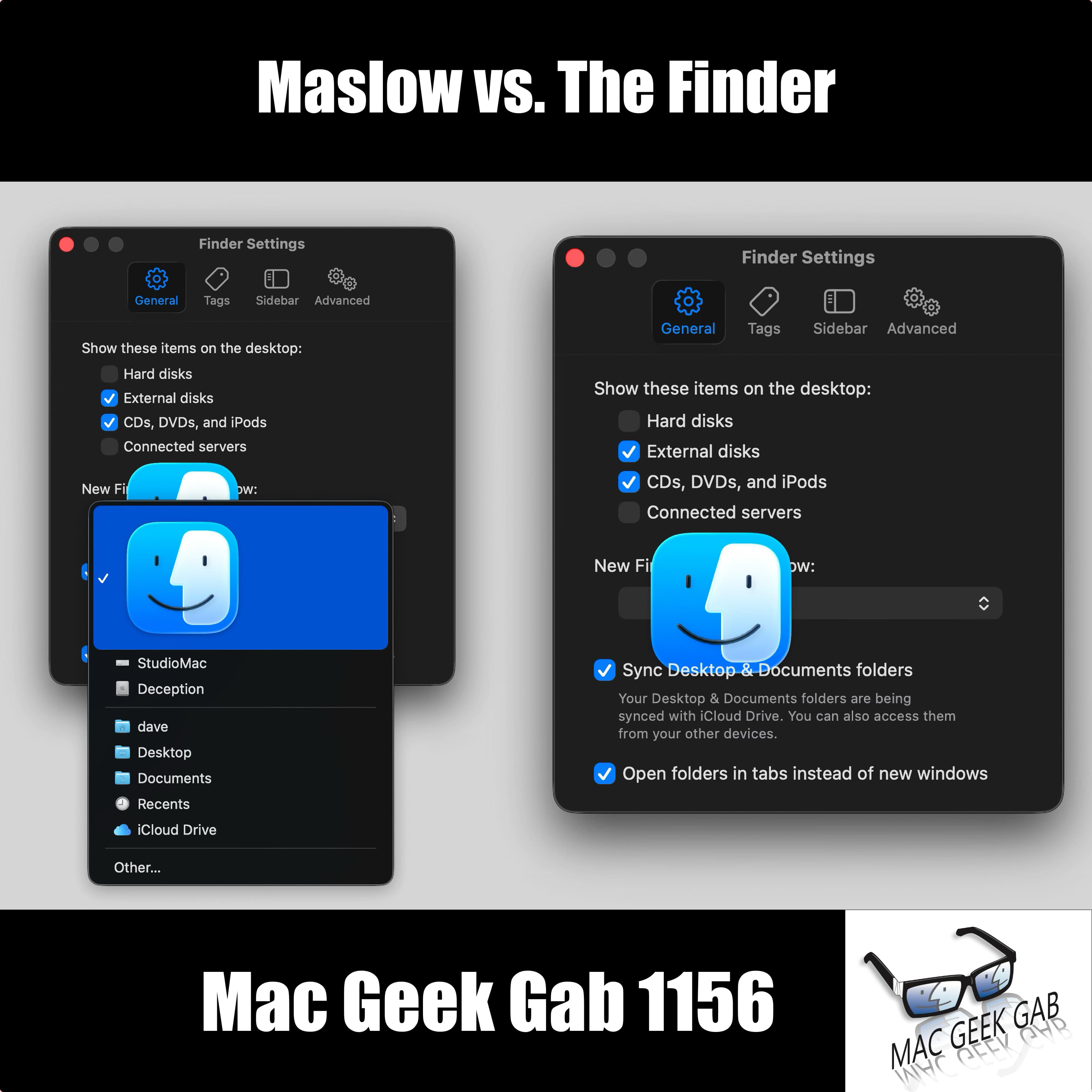
Maslow vs. The Finder
Ever fire off a text that never actually sent? You’ll learn how to clear those stale unsent iMessages out of the More menu, move your Dock between displays using nothing but your cursor, and set exactly how long you share your location with iOS 27 (anywhere from 15 minutes to 30 days), plus a quiet hide that doesn’t tip the other person off. You’ll also grab videos out of Message
When Your Group Chat Tells You to Fork Off
Command+Comma jumps you straight into any well-coded Mac app’s settings, no menu-hunting required, and Option+Return reveals the formula in any Numbers cell (Command+Return puts the result back). If your cross-platform Logitech keyboard has its Command and Option keys backwards, hold Fn+Shift+O for three seconds to flip the firmware into Mac mode — Fn+Shift+P sends it back to PC. While you&#
Don't Start Half Fresh
You’ll start with a travel charger that swallows 200-plus countries into one brick, then find out that macOS Tahoe 26.6 is quietly rebuilding your Spotlight index to get ready for macOS 27…and hear the theory on why Apple wants that churn finished before you upgrade. You’ll get talked into finally looking at Raycast (with a nostalgia lap through Quicksilver, LaunchBar, and Alfred
Take a Photo to Find Your Photos
Your quick tips run deep this week. Learn why snapping a throwaway photo is the fastest route to every picture you’ve ever taken at that spot, then rediscover Libby for free ebooks and audiobooks from your public library. You’ll find the hidden Attachments Browser in Notes (Command-3) that filters your notes by scans, documents, maps, and websites — plus a reminder that tagging still b
A Wonderful Opportunity to Get Super Confused
Your Quick Tip arsenal gets a serious upgrade this week: use the Live Text button to make scanning QR codes easier, resurrect Apple Mail’s Predicted Mailbox when it mysteriously grays out, and run softwareupdate –history in Terminal to see every macOS update your Mac has ever installed. You’ll also hear how one listener’s Shortcuts automation fixes AirPods auto-play, why BB
The Green Light Never Lies
Fresh off Macstock, you get the full debrief on this year’s gathering before diving into a stacked round of Quick Tips. You’ll learn how to disable Summarize Notification Previews to stop needless battery churn, clear every unread Apple Watch notification in one shot, and weigh whether it’s finally time to move to macOS Tahoe. There’s a heads-up that Mac minis and Mac Studi

Reclaim Your Storage: iCloud, RAM & Space-Saving Secrets
This week on Mac Geek Gab 1150, Pilot Pete, Adam Christianson, and Dave Hamilton pack an Embrace Your Geekness Day episode with Quick Tips you’ll put to work immediately. You’ll learn how to schedule birthday messages so you never miss one, silence those pesky automatic Shortcuts notifications, and give Apple Intelligence the context it needs to actually help. From automating Theater M

Save Room For Your iCloud Dessert
You learn at least five new things every episode, and this one stacks them fast. Roll your Apple Watch crown instead of tapping it to keep Sleep mode from searing your eyes, then hit Command-Shift-F in the Finder to jump straight to Recents when a saved file vanishes into the void. When a listener asks how to archive iMessages, you’ll meet iMazing, Shottr’s scrolling screenshots, priva
There’s No Two Hands About It
Mac Geek Gab 1148 hands you a fresh stack of Quick Tips you’ll actually use. You’ll find out how Mark recovered every one of his accidentally deleted iMessages with Control-Command-4 (or the Recently Deleted view), undo a botched Finder rename with a casual Command-Z, and automate Theater Mode on your Apple Watch so it goes dim and quiet at night without Sleep Focus. You’ll pick

One Exclamation Point Short
Ever triggered a hidden Mac feature by accident? This week you’ll find out why a stray backtick fires up the Magnifier in macOS Preview, and how a single screenshot plus built-in OCR can lift text straight out of an image (even if that Wi-Fi password still refuses to cooperate). You’ll grab the trick for sharing your network as a scannable QR code from the Passwords app, learn why YouT

WWDC 2026 Reactions, Tailscale Tricks, and Charging Hacks That Work
This week on Mac Geek Gab, you’re stacking up power moves from the jump. You’ll learn how to clean up messy lists in your favorite text editor, discover that any USB-C port on your MacBook can charge it, and find out why you should be charging your power bank from random ports instead of your iPhone or Mac. iPhones can now serve as Tailscale exit nodes — and that leads down a tangent w
Mic-graines and Infotainment!
Your iPhone might be running hot and draining fast — and it’s not just you. Dave and Pilot Pete break down the battery chaos introduced by iOS 26.5, which brought overheating, accelerated drain, and even blocked wired charging on iPhone 17 and Air models. The fix that’s working for most people: disable iCloud Keychain first, run Reset All Settings, then carefully re-enable iCloud sync
Translate Anything, Tame Your Desktop, and Dodge the Plex Price Hike
This week you’ll learn to lean on Apple Intelligence to translate almost any text on the fly, lock down and hide sensitive apps on iOS, and finally tame your Desktop by remembering it’s just part of the Finder: flip on Stacks and/or let Hazel do the sorting for you. You’ll dig into why a 4K monitor looks different on your Mac than it does on Windows or Linux, hear how a BenQ disp
How Do We Say G?
Geek Pride Day kicks off an episode packed with the kind of tips you’ll actually use. You’ll learn why Shift+Tab is your fastest escape from a runaway numbered list, how holding the lower-left CarPlay button summons Siri, and why copy/paste (and drag-and-drop) between apps still beats exporting and re-importing every time. You’ll also get the real story on Comcast’s email m

Must-Know AirPods, Screen Sharing & Smart Home Wins for Apple Users
You’ll sharpen your daily tech game this week: add names directly to Mail recipient fields, kill those sneaky iOS nickname pop-ups before they embarrass you, and stay alert to Low Power Mode. Long-press your steering wheel button to summon Siri faster, welcome ChatGPT and Perplexity to CarPlay, untangle Apple’s App Entitlements, and stream HLS video right inside the updated MGG iOS app
The eSIM Showdown, Sync Mysteries, and Must-Know Mac Tricks
Buckle up, geeks! This week’s Quick Tips have you refreshing the App Store like a pro, turning Finder’s Quick Actions into a PDF-combining powerhouse, swiping that iOS cut/copy/paste bar like a power user, and finally taming horizontal scrolling on your non-Apple mouse.
Then it’s tales from the road: Adam wrestles eSIMs into submission with a Starlink cameo, Linda accidentally in
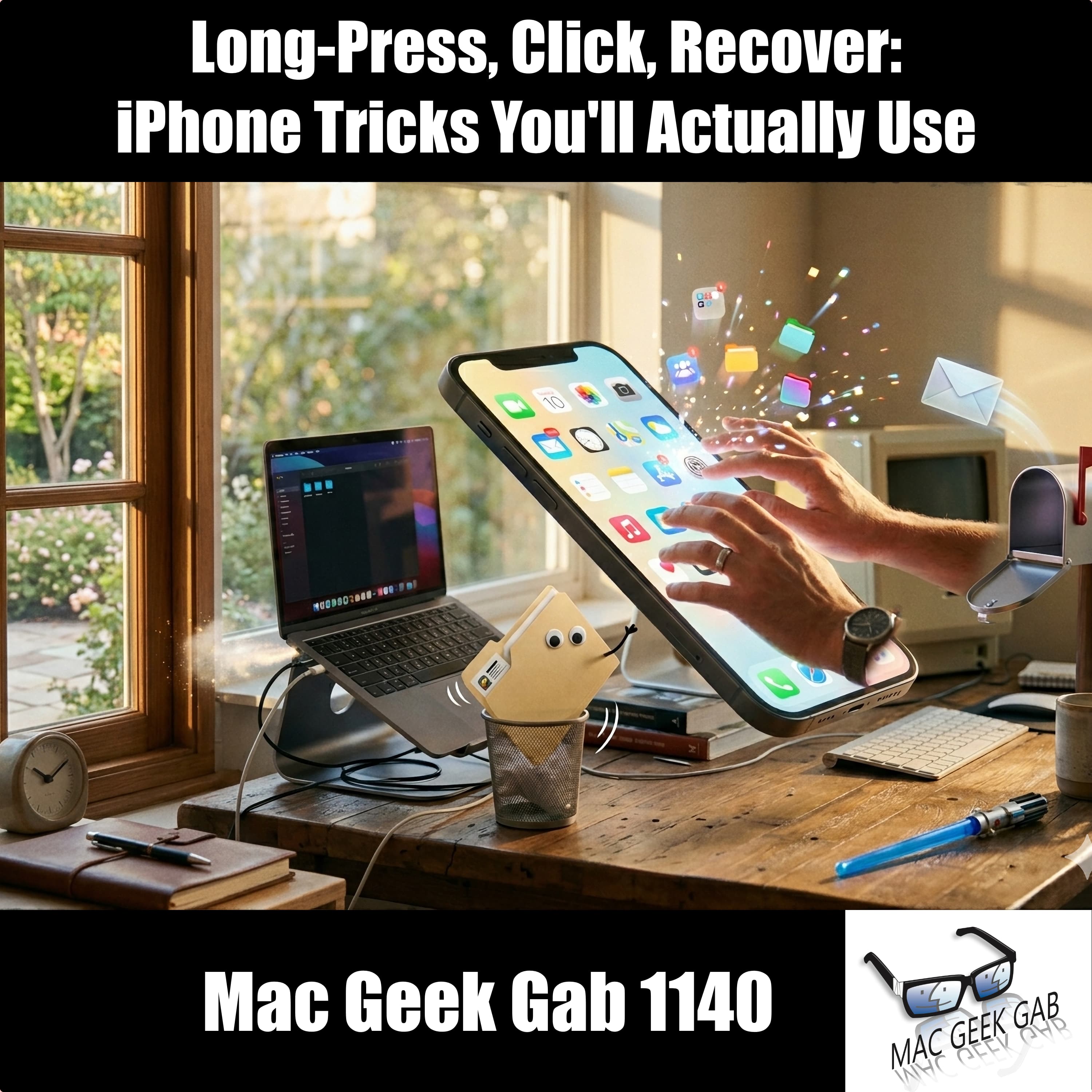
Long-Press, Click, Recover: iPhone Tricks You'll Actually Use
Pilot Pete and Dave open Episode 1140 with a rapid-fire round of quick tips you’ll wish you’d known sooner: long-press the App Store icon to jump straight to Updates, long-press a folder to break down its notifications, push iOS updates to your iPhone through your Mac, and delete apps before they auto-update. You’ll also discover that iPad status bar elements respond to mouse cli
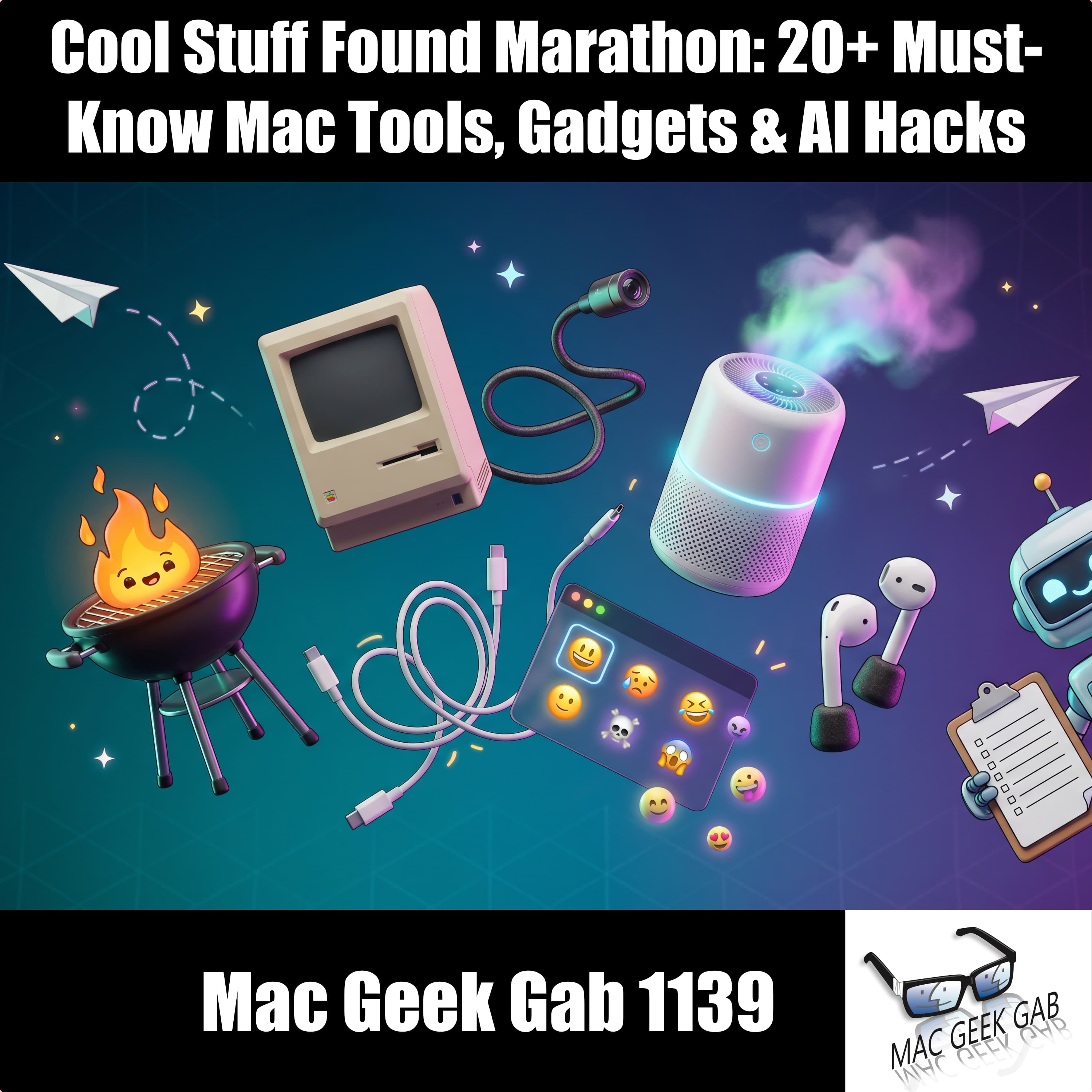
Cool Stuff Found Marathon: 20+ Must-Know Mac Tools, Gadgets & AI Hacks
This week’s episode is a Cool Stuff Found marathon, packed with gems you need to bookmark. You’ll get a launcher upgrade with TinyStart, a slick dual-pane file manager in VoidCommander, T-Mobile router control via HINTControl, and a borescope camera Pilot Pete can’t stop talking about. Dave hauls in a clamp-on desk power strip, the Levoit EverestAir-P purifier, and the Airversa A

Mesh Networks, iCloud Bandwidth Fixes, and Must-Know Mac Tips
This week on Mac Geek Gab 1138, Pilot Pete, Adam, and Dave tackle your burning questions and deliver the tips that keep your tech humming. You’ll learn how to properly delete images from your iPhone, sort out mesh networking headaches with T-Mobile, and decide whether Updatest and HomeBrew belong in your app-updating toolkit (spoiler: brew install topgrade is a game-changer). Struggling with
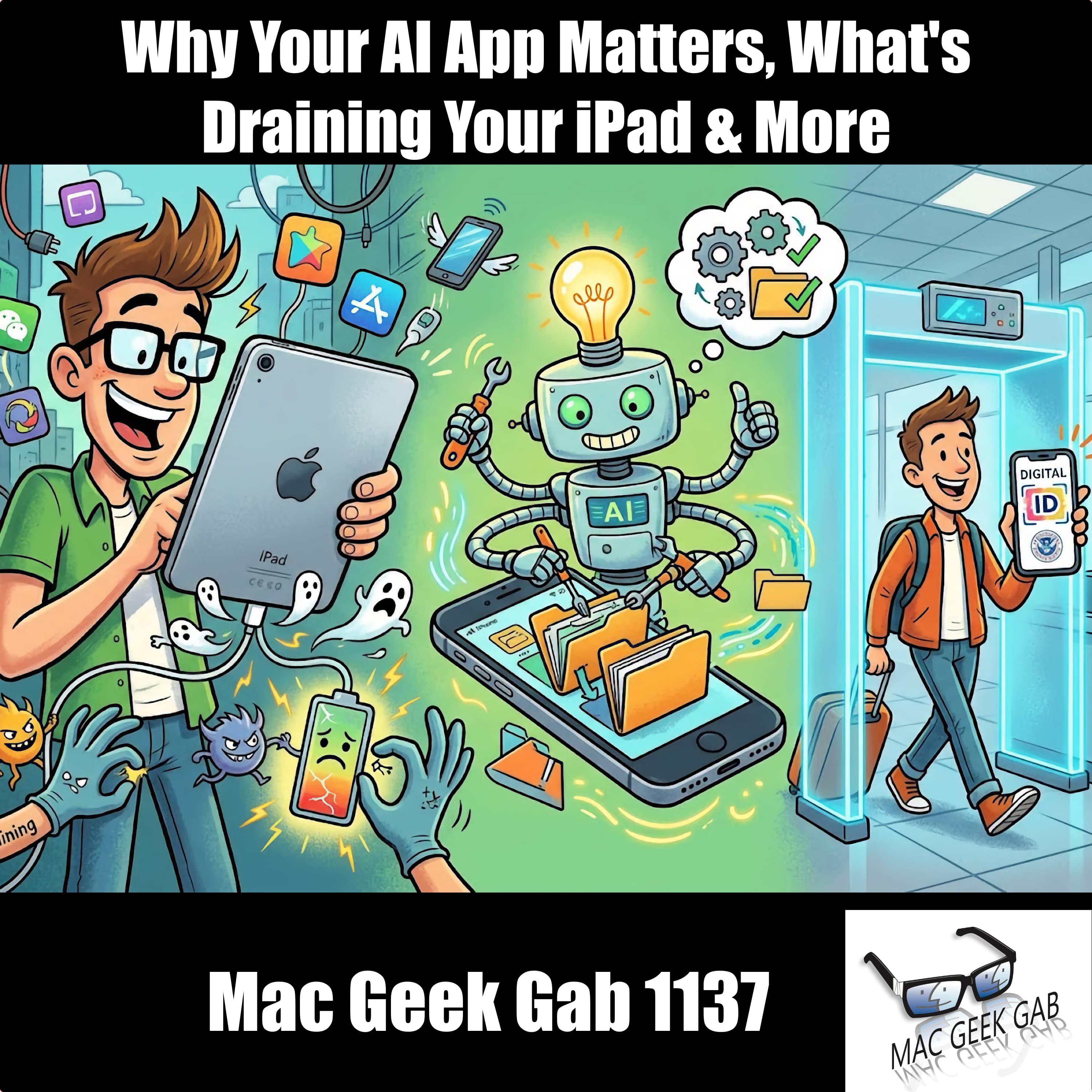
Why Your AI App Matters, What's Draining Your iPad & How TSA Digital ID Works
You’ve got quick tips galore this week: if your iPad battery’s draining mysteriously, your Apple Pencil might be the culprit, so pop it off when you’re not using it. Want custom emoji? Now you can create your own. LaunchBar fans, there’s a slick way to jump straight into System Settings, and if you’re self-hosting Bitwarden, the guys walk you through adding a local se
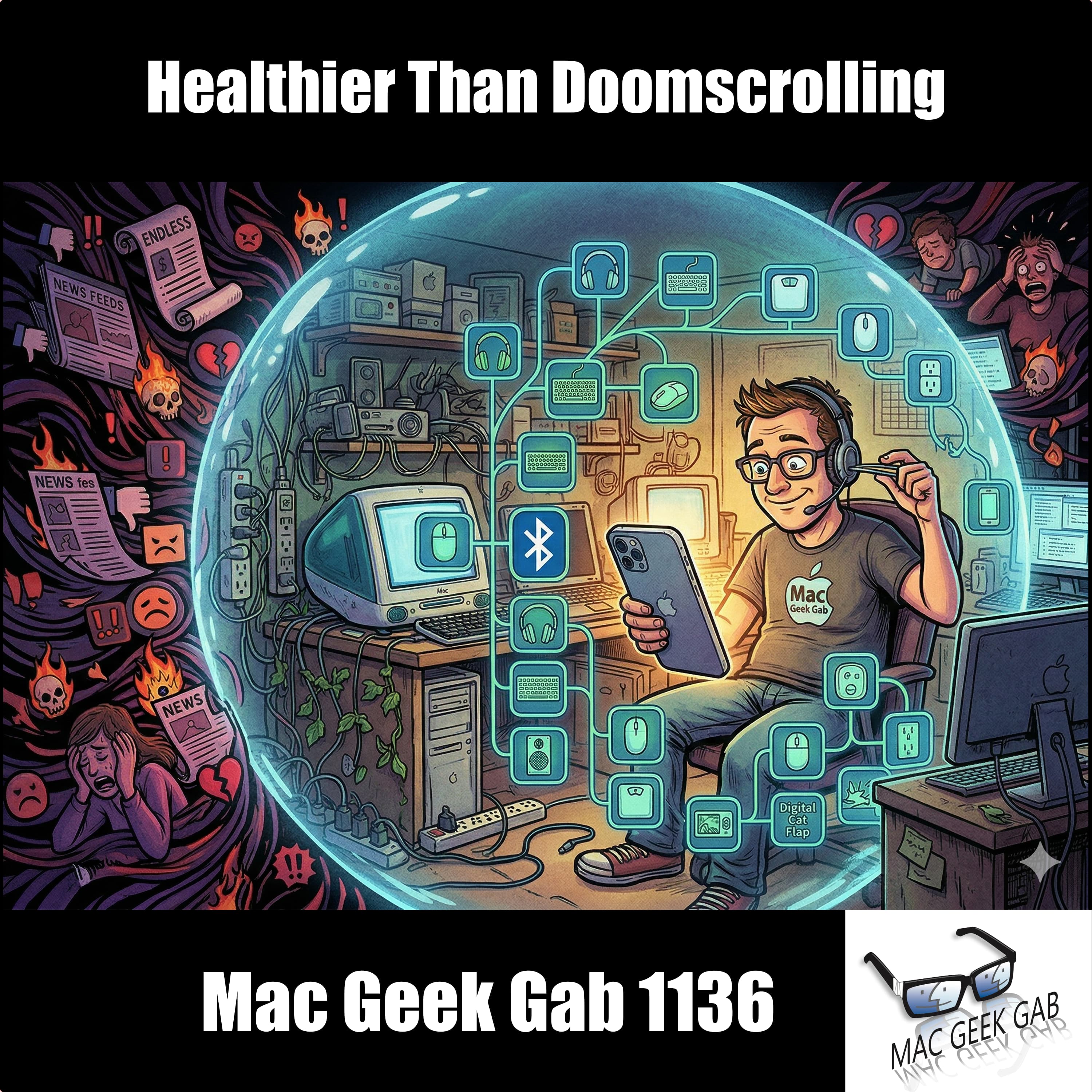
Healthier Than Doomscrolling
You get a rapid-fire run of Mac tips that actually make your daily workflow smoother instead of noisier. From finally being able to change your Gmail address and using Markdown to escape Apple Notes, to smarter ways to attach glass screen protectors, auto-mount network shares, prune that graveyard of old Bluetooth devices, and squeeze better battery life from your iPad Pro, this episode keeps you

When the Internet Spits You Out
You’re about to spend an hour geeking out about the moments when your tech life goes sideways and how to keep it all under control. You’ll hit World Backup Day prep, tame your email with smart rules and categories, turn your AirPods into stealth earplugs, and learn Mac power tricks like killing stubborn processes and using Reminders so your birthday rewards never slip by. Along the way, you’ll hea
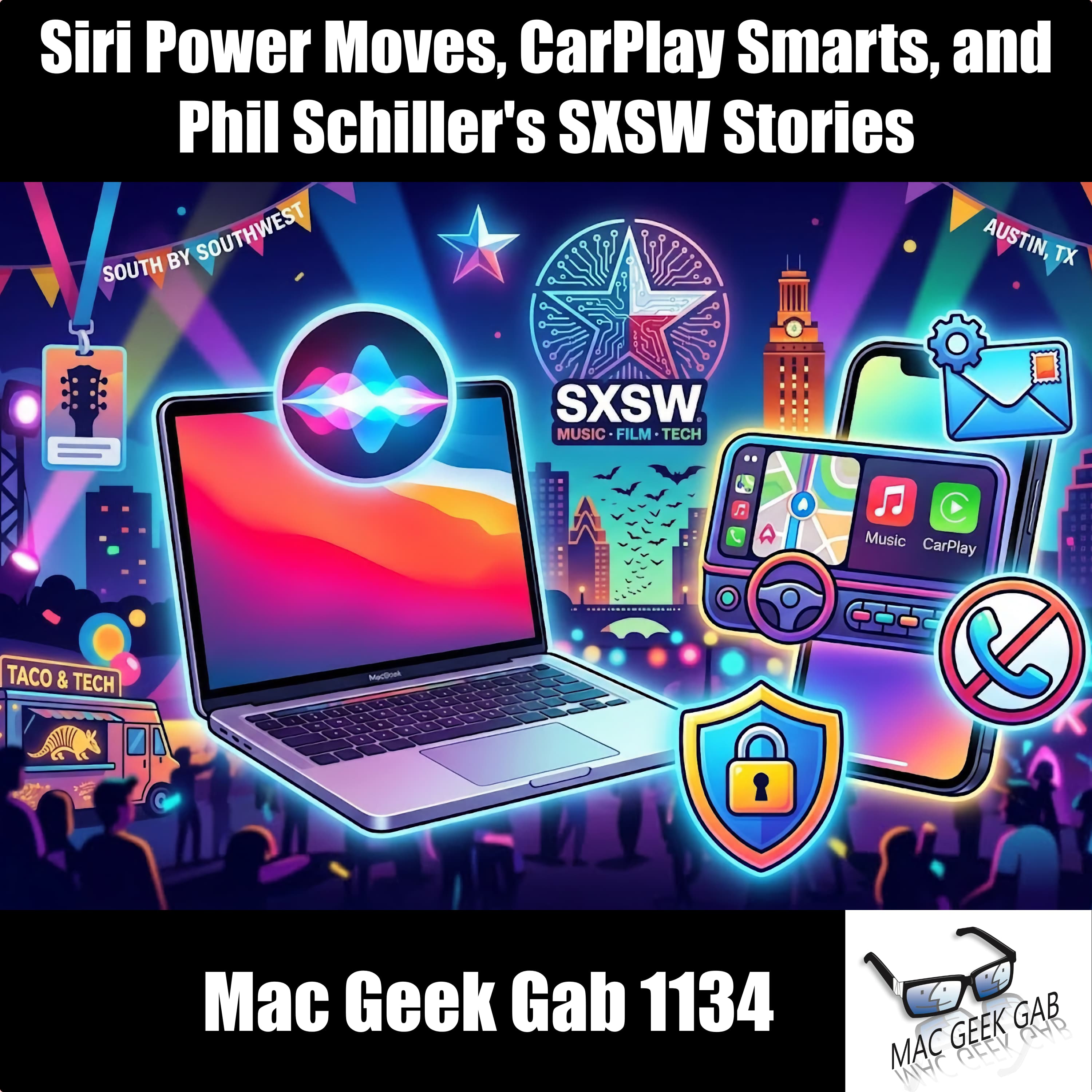
Siri Power Moves, CarPlay Smarts, and Phil Schiller's SXSW Stories
You’ll come away from this episode with a faster, smarter iPhone and Mac workflow dialed in. You learn how to boss Siri around for brightness, Dark Mode, CarPlay directions, and per‑source audio levels, so your phone actually behaves in the car and on the couch. You tap into power‑user gestures like two‑finger‑tap to open links in a new Safari tab, Quick Actions to spin anything into a PDF, and Op
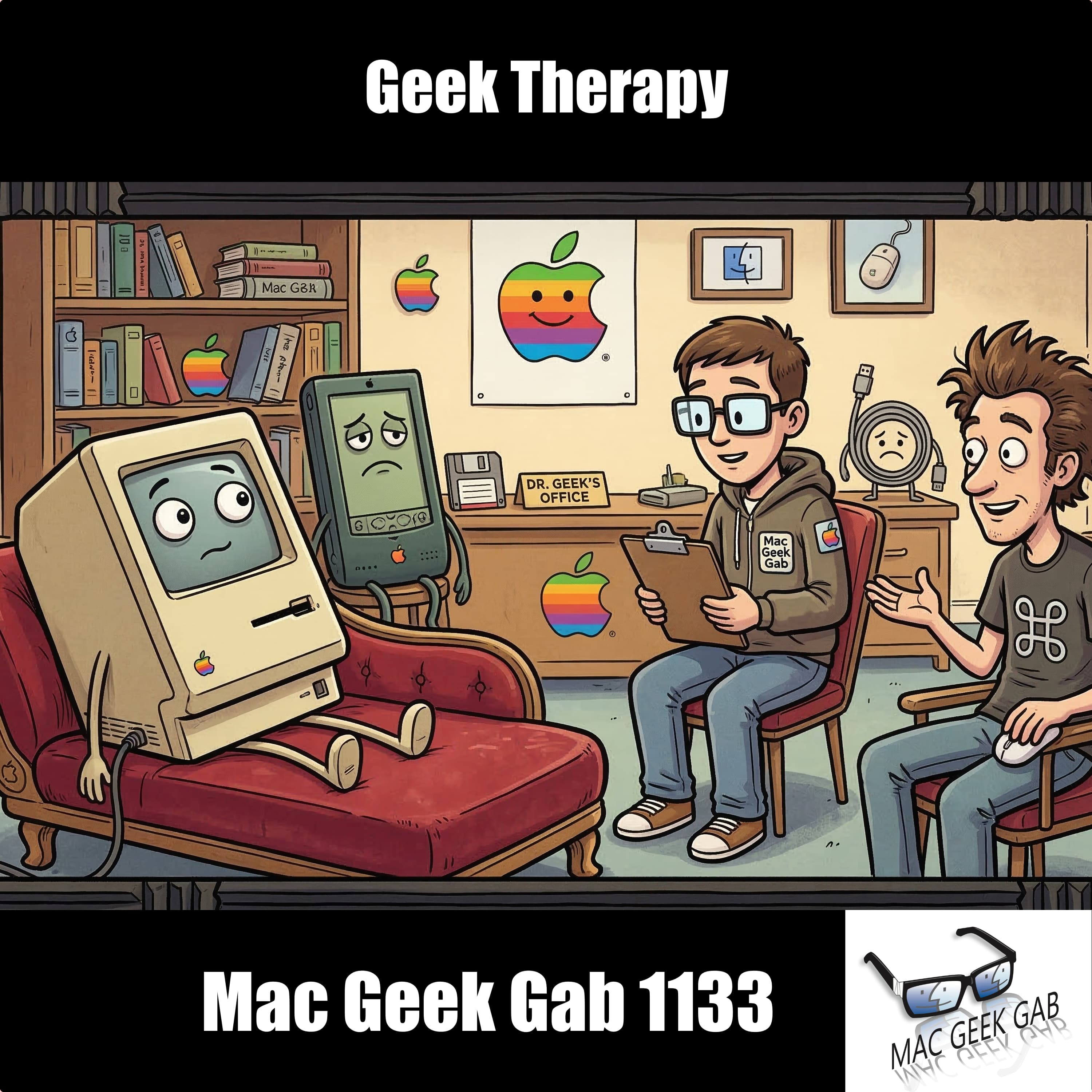
Geek Therapy
You get dropped right into geek therapy this week as you bounce from cult-favorite movies to Pixar shorts, then straight into practical Mac and iOS wins. You learn how to use the twenty-minute rule to bail on bad movies guilt-free, long-press your iPhone’s brightness to reveal Dark Mode and other hidden controls, and turn Live Listen into your stealth superpower for staying connected in noisy room
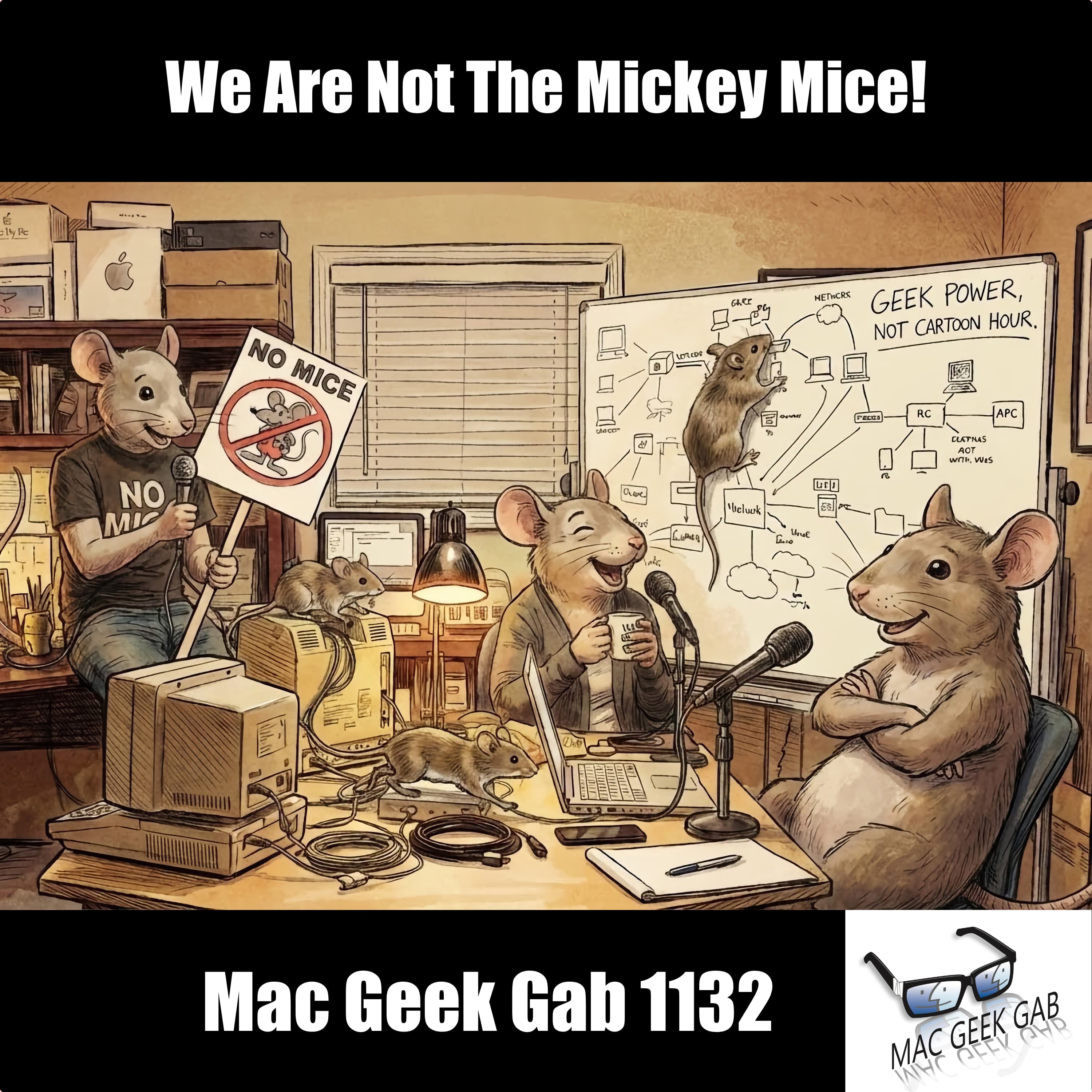
We Are Not The Mickey Mice!
You start this episode by supercharging your daily Apple workflow with rapid-fire Quick Tips: speaking the time from your wrist, taming screenshot previews, unzooming a stuck iPhone screen, batch‑moving iOS apps, and sharpening Live Text and document photos so you can capture, control, and share exactly what you want without friction. You also learn how to keep Chrome from quietly hijacking your m

That’s Not Multitasking, That’s Cheating
You drop into an iMessage quick tip and quickly branch into a whole toolkit for running your Apple life smarter. You learn faster ways to edit messages, how Slack’s up-arrow muscle memory carries over, and why platforms limit your edit window. From there, the show rolls into clever NFC and QR workflows for appliance manuals, Time Machine fixes over SMB on Synology, and a deep dive on spam and emai

My Chatbot Ate My Inbox
You start this episode leveling up your daily workflows with fast, memorable tweaks: styling text in Notes with a long press, dropping today’s date into Google Sheets with a quick shortcut, testing your real-world network speed from the Mac, and turning any clipboard grab into a Preview window so you can annotate or export in a flash. You also learn that canceling an in‑app subscription doesn’t in

Shaving With Occam's Razor
You get a firehose of genuinely useful Apple tips this week, starting with new muscle-memory moves you’ll actually use: cycling app windows with Cmd + `, nodding or shaking to answer AirPods, dragging apps straight from iOS search, and building Focus-specific home screens so the right icons appear at the right time.
Edge Light turns your Mac into a cleaner on‑camera rig, Display Buddy tames exter
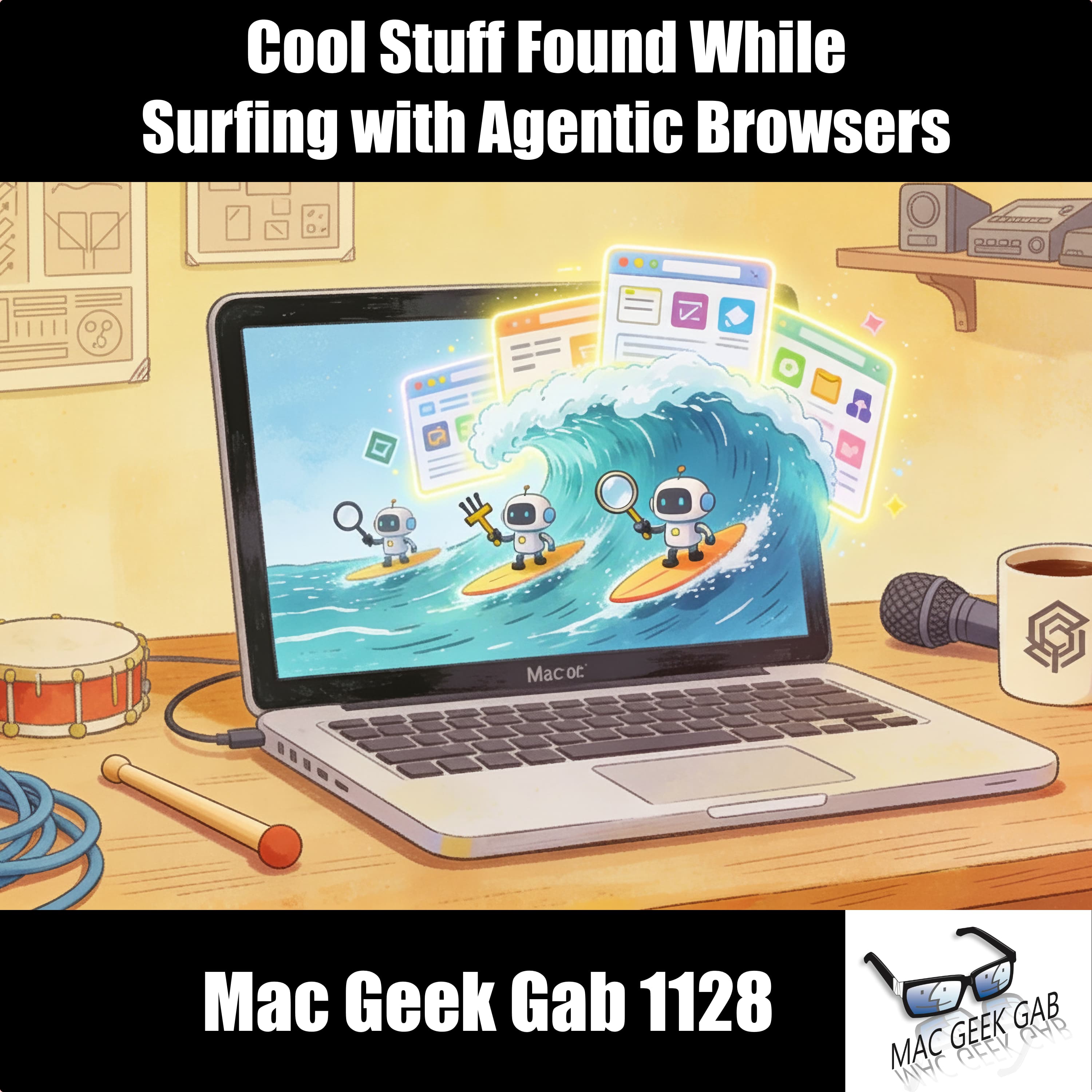
Cool Stuff Found While Surfing with Agentic Browsers
This week on Mac Geek Gab 1128, you dive into a treasure chest of Cool Stuff Found with Pilot Pete, Adam Christianson, and Dave Hamilton. From DockLock Lite keeping your Dock in check to Backdrop 2.0’s animated lock screens and BookMacster’s bookmark magic, you’ll uncover smart Mac tricks you didn’t know you needed. The geeks take a nostalgic tangent into podcasting history before jumping into the
Newly Effectuated Reduced Functionality
You move fast in this episode, stacking Quick Tips that shave friction off your day almost immediately. You tell Siri to take notes on command, record audio directly inside Notes with native transcripts, and pull off smarter gestures in CarPlay Maps and iOS 26 Safari that feel hidden in plain sight. You tame the Camera side button, rename files faster from Finder and app toolbars, and generally re

Car As a Service
You start with deceptively simple wins that immediately clean up your digital life. You batch-rename files in Finder, unlock hidden gestures on both Mac and iPhone, and speed yourself up with small but mighty keyboard and touch tricks. Along the way, a nostalgic detour into Lotus 1-2-3 sparks a surprisingly intense discussion about competitive spreadsheeting, airline safety systems, and how that t
This Will All Be On The Test
You start with Quick Tips that tighten up your daily Apple workflow fast. You learn how CarPlay scrubbing actually works while driving, how Siri can jump forward or back in precise time chunks, and why Apple’s vision for Siri, Gemini, and personal intelligence matters more than the hype suggests. You unlock practical wins like copying Voice Memos transcripts, using Continuity for clipboard magic a

CES 2026: Cool Stuff Found That Actually Matters
You walk the CES 2026 floor with Pete and Dave and quickly realize this episode is about practical gear that earns its place in your life. You hear about clever headphones, smarter thermostats, compact travel tech, and simple photo organization that fixes real annoyances without overthinking them. The crew cuts through the hype, calling out what feels thoughtful versus what just looks flashy, so y
All Rhyme, No Reason, Just Tabs
You kick off the year by tightening your Apple habits, starting with smart Quick Tips that actually stick. You build year-based music playlists for offline listening, flip on Airplane Mode when you’re out of service to save serious battery, and let the Health app handle reminders for meds and eye drops so nothing slips. You’re reminded of power-user staples like Cmd-Shift-5 for screenshots, learn

Hidden macOS 26 Features, Homebrew Upgrades, and VPN Gotchas
You dive straight into practical macOS and workflow wins, starting with macOS 26’s new ability to record video by window and moving quickly into keeping your Homebrew setup clean, current, and fast. You learn how simple display resolution tweaks can hide the MacBook notch or eliminate it entirely, and why audio problems like AirPods mic failures often come down to overlooked system behavior. Along

Waiting for Snow Tahoe
You dig into the little things macOS quietly does for you, starting with the surprising truth about Clipboard History and why macOS 26 might feel slower than you’d expect. You explore ways to rein things in, from taming runaway apps to making better use of iPhone Mirroring and clever video capture tricks. Along the way, you’re reminded that old hardware still has value if you give it purpose
Siri, It's Time For an Intercontinental Misunderstanding
You jump straight into a rapid-fire run of Quick Tips that quietly level up how you use your devices every day. You learn how iOS 26 now shows charging time right on the lock screen, how to build polished collages in Pages or Canva without paying a dime, and how to finally extract and archive your full iMessage history using proper database tools instead of hacks. Along the way, you tweak haptics
Scoring the Sleep Scores
You dive into a packed Cool Stuff Found episode this week, moving fast from sensor-powered tinkering with phyphox to smarter dictation using Wispr Flow, altitude readouts in CarPlay, and Emby’s upgraded media management. You get practical wins too: safer file sharing with MetaWipe, smoother workflows through PopClip, a road-tested Nomatic backpack, and Picmal for quick local media conversions. The

Treat Your TV Like a Monitor
You kick off this episode with a rapid-fire blast of Quick Tips that sharpen how you use your Mac, iPhone, and apps every day. You learn how to tame iOS typing quirks, get the most out of dictation in ChatGPT’s Mac app, clean up Safari’s sidebar, and jump straight into System Settings with an alphabetical view. Then you dive into the spam-text battlefield, where forwarding to 7726, filtering, and
Call Haptics, Photo GeoData Warnings, and Space-Saving iPhone Tricks
You kick off this week’s episode on D. B. Cooper Day with a rapid-fire mix of fresh iOS 26 tricks and Mac power-moves. You learn how iOS 26’s haptic call alerts work, how Alfred can shut down your Mac faster than any menu, and how Forklift’s sync feature rivals DeltaWalker without any hassle. Shortcuts get smarter with automated sleep tracking, Command-P becomes your instant PDF escape hatch
iOS 26 Hidden Gems, Gift Guide Favorites, and the Return of Your Old Nest Thermostat
You kick off with a blast of rapid-fire tips: instantly saving PDFs from Google Docs, digging photos out of Messages, moving your playlists into Apple Music with iOS 26, tightening up your Digital ID setup, wrangling mail right inside a message, and even retraining Siri when she goes off the rails. Then you dig into listener questions: how to avoid phishing traps, whether segmenting IoT gear actua

Don’t Not Undo That!
This week on Mac Geek Gab, you, Pilot Pete, Adam Christianson, and Dave Hamilton dive headfirst into a whirlwind of Quick Tips and real-world Apple wisdom. You’ll learn how to clean up those pesky “recovered” Messages folders, fine-tune your Apple TV profiles, and even adjust the contentious “Liquid Glass” effect on your devices. Apple might be making the iPhone feel more Android-like, but you’ll

Innovation or Irritation? UX Crimes and Misdemeanors
In Mac Geek Gab 1114, you’ll uncover a ton of real-world Apple wisdom — from mastering Apple TV’s hidden control center to supercharging your Mac keyboard shortcuts. Learn how to re-enable Low Data Mode on your new iPhone, control-click your way into Terminal, and even get an alphabetical list from your Dock. Then, dive into listener-shared “Don’t Get Caught” moments like why people don’t al

Polka On a Flatbed
This week, you roll right into another round of Quick Tips, laughs, and lessons learned with Dave, Pilot Pete, and Adam! From macOS Tahoe’s alphabetized Settings to Spotlight searching everything—including those hidden menus—you’ll uncover new tricks that keep your Mac life humming. The crew digs into Apple and Google Maps’ smart intersection awareness, shares shortcuts to open Terminal right wher
Do Your Homework and Don’t Get Caught
This week, you’re diving deep into a treasure trove of quick tips and practical geekery with Dave, Pilot Pete, and Adam! From setting iOS call-back reminders to connecting keyboards to your iPhone or iPad, you’ll learn how to make Apple’s ecosystem work smarter for you. Discover why Numbers might finally replace Excel, how to share spreadsheets with non-Mac users, and why FileMaker still rules the
This One Goes To The Eleventh Dimension — Mac Geek Gab 1111
You’ll come out smarter — and maybe even safer — after this week’s Mac Geek Gab with Pilot Pete, Adam Christianson, Dave Hamilton, and a triumphant return from John F. Braun. From unlocking hidden gems in iOS 26’s Health app and securing your Mint Mobile account with Number Lock to setting up ChatGPT Tasks like it’s your own personal Knowledge Navigator, you’ll pick up tricks to stay ahead. Printe
We Don't Personality Shame
This week on Mac Geek Gab, you’re climbing to new heights—literally and geekily—with Pilot Pete, Adam Christianson, and Dave Hamilton. With big, 6,000-foot energy, you’ll inhale knowledge (not bear spray!) with Quick Tips like disabling auto-return to apps, blazing through iPhone setup using a wired Phone-to-Phone connection, and printing photo books via third-party tools. You’ll also learn how to
It's a Clear Case of Lying
Pete and Dave admit they couldn’t resist ordering new iPhones—though Adam stayed strong—but the catch is they haven’t even received them yet. That doesn’t stop the crew from diving into the best ways to buy and sell your old gear, plus a slew of Quick Tips you’ll actually use. From setting your default calling app to snagging Amazon’s free photo storage, updating contact images in seconds, and tak
CarPlay Widgets, eSIM Swaps, Photo Preservation & AI Assisted Living
You kick things off with a stack of Quick Tips that make your Apple gear feel smarter. From getting a free year of Perplexity Pro, to turning on CarPlay widgets in iOS 26, to using ChatGPT itself to search for Mac Geek Gab answers (like which dash cam Pilot Pete prefers), you’re reminded how powerful the tools you already have can be. You’ll also learn how Apple Maps saves your recent routes, how
Don’t Mess With The Sacred Timeline
This week’s Mac Geek Gab kicks off with quick tips you’ll actually use: from setting custom backgrounds in iOS 26 Messages to automating iPhone restarts with Shortcuts, spotting hidden savings on AppleTV+, and even using freezer bags to tame cable chaos. You’ll also learn the power of politeness, how Adaptive Power Mode can stretch your battery, why Spotlight Cmd-1 is your new macOS shortcut, and
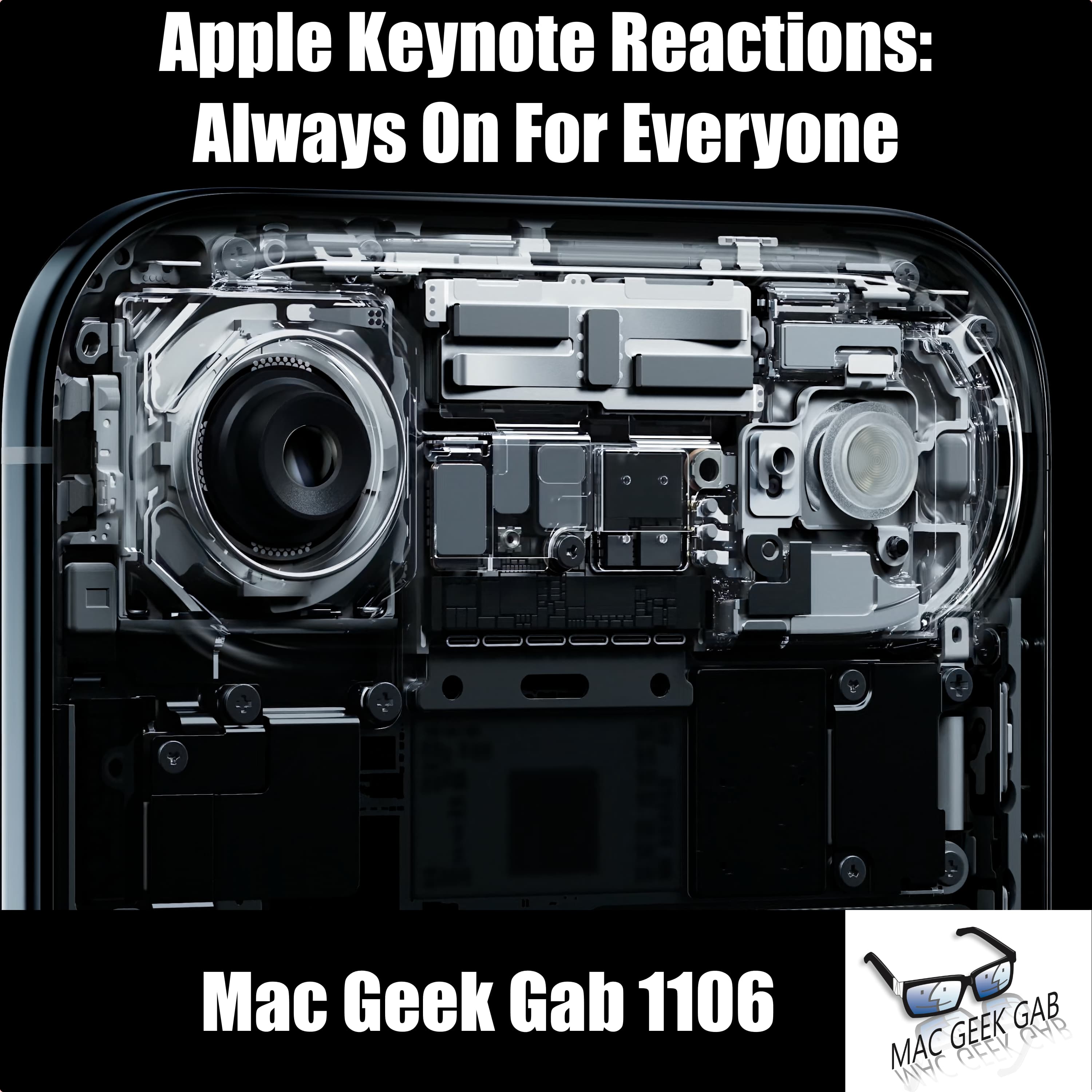
Apple Keynote Reactions: Always On for Everyone!
You dive right into the Apple event fallout with Pilot Pete, Adam, and Dave weighing their wish lists against reality. The iPhone 17 shines with its blistering 3000-nit display, always-on ProMotion, liquid-cooling in the Pro models, and a storage bump to 256GB minimum. The real curveball? The iPhone Air. Sleek, light, and maybe a proof-of-concept for what comes next, it’s got you asking if this is

Your Computer May Decide For You
This week’s Mac Geek Gab is packed with quick tips and clever workarounds you can actually use. You’ll learn how to silence your partner’s alarm with Siri, calm down watchOS 26’s Liquid Glass by reducing transparency, and keep your AirPods secure with Croakies or a magnetic strap. You’ll even pick up tricks like delaying Low Power Mode automation, grabbing CarPlay screen captures, and—yes—us

Don't Forget TOTO!
Learn how to use hyphens for strike-through in Messages, schedule a Mac restart, and even tell Siri or Alexa to run one-time automations. Master plus-addressing in iCloud Mail for cleaner inboxes and privacy with Hide My Email, and keep Safari’s tab bar neat by ditching Favorite Icons. And of course, Don’t Forget TOTO—Turn it Off, Turn it On again—to solve more problems than you think. Don’t Get C
Hey ChatGPT: Are You Sure?
This week’s Mac Geek Gab with Pilot Pete, Adam Christianson, and Dave Hamilton packs in quick tips, clever hacks, and gear finds to level up your Apple life. You’ll learn how to instantly turn screenshots into PDFs, scan docs like a pro, and understand why most Macs can’t handle 20Gbps USB. Get smarter about CarPlay cables, unlock better wireless GPS performance, and discover menu bar magic with t

Mirrors are Wi-Fi's Mortal Enemy
Mirrors killing your Wi-Fi? You’re not imagining it. This week on Mac Geek Gab 1102, you’ll learn how metal surfaces sabotage your signal…and what to do about it. From smarter ways to manage your Apple Watch unlocks (hint: avoid accidental calls) to clearing your iPhone’s keyboard dictionary without going full nuclear, the Quick Tips are flying fast. Want your Dock to behave on multi-monitor

Life’s Too Short to Deal With Bad Cables
You’ll pick up quick wins this week with smart Mac tips you can use right now. Color-code your USB and Thunderbolt cables so you always grab the right one, and stash them in mesh zipper pouches or a travel organizer so you’re never digging for the right connection. Add Apple Music playlists right to your Mac’s menu bar, trigger Time Machine backups with macOS 26 Shortcuts, and even have ChatGPT re
It’s All About Learning How To Fish
You’re diving into Mac Geek Gab 1100, where quick tips flow faster than USB-C power. Learn how dragging files into a blank Finder space automatically creates folders, and why AppleCare One’s $20/month plan might be worth a look. You’ll get hacks for AirPods Pro as earplugs, scanning docs to a thumb drive, and managing your Mac’s noisy notification overload. Curious about how to bulk scan lik

Stump The Geeks Live from Macstock 2025
Recorded LIVE at Macstock 2025, this episode of Mac Geek Gab is a true “Stump The Geeks” showdown! With zero prep and a crowd full of curveballs, Dave, Pete, and Adam tackled real-time questions and Quick Tips on the fly. You’ll hear how to enable iPhone Mirroring for Mac notifications, rescue iMessages, and stabilize that wandering Dock. From Drobo debates and Apple Maps silence to VPNs with Tail

Doing The AirPods Dance
You’re swimming in Quick Tips this week on Mac Geek Gab 1098! You’ll learn how to fix flaky Apple TV Wi-Fi, make your AirPods fit better (hint: flip ’em), and finally tame Hot Corners with a smart modifier key. Discover the secret to custom routes in Apple Maps on iOS 18 and why renaming flags in Mail might be the power move you didn’t know you needed. Oh—and don’t forget: July 14th is National Ta
Bring Your Own Dog
You’re in for a fast-paced ride with Pilot Pete, Adam Christianson, and Dave Hamilton as they dive into power-user Quick Tips that’ll change your Apple game. From lightning-fast navigation in Notes to creating Spotify-style stations in Apple Music, and securing your Time Machine volumes inside encrypted APFS containers, this episode is loaded. You’ll rearrange CarPlay apps like a pro, check your b

He's Mr. Hundred and One!
You’re about to level up your tech game with Quick Tips and Cool Stuff Found that’ll make you wonder how you ever lived without them. From keeping tabs on low AirPods battery via the Today view widget to renaming your Spaces for better Mac workflow, it’s all here. Discover magnetic AirTag mounts, a Zulu Time converter, a portable vac/blower combo, and even a 10Gbps SSD that’s thinner than your Air
Is it appleOS 26? Or aquaOS 26?
Ready to upgrade or migrate your Mac? You’ll learn the smartest way to do it from Adam’s shiny new M4 MacBook Pro to migration tips that help you avoid the dreaded cruft. Whether you’re going Mac-to-Mac over Thunderbolt or restoring from Time Machine, we’ve got you covered. Don’t forget those “On My Mac” Mail folders, and hey—CleanMyMac’s SpaceLens is back. If you’re rocking the MacBook Air vs. th

My Zulu Converter is Offline
You’re gonna love this jam-packed episode of Mac Geek Gab! Dive in with a barrage of Quick Tips, like turning your wonky circle sketches into perfect shapes, compressing image sizes with Mail and Squash, and even tricking Safari into showing you paywalled content. Your fellow geeks also bring sharp insights—from switching Night Stand clocks from UTC to local time, to using OnyX for nuking Time Mac
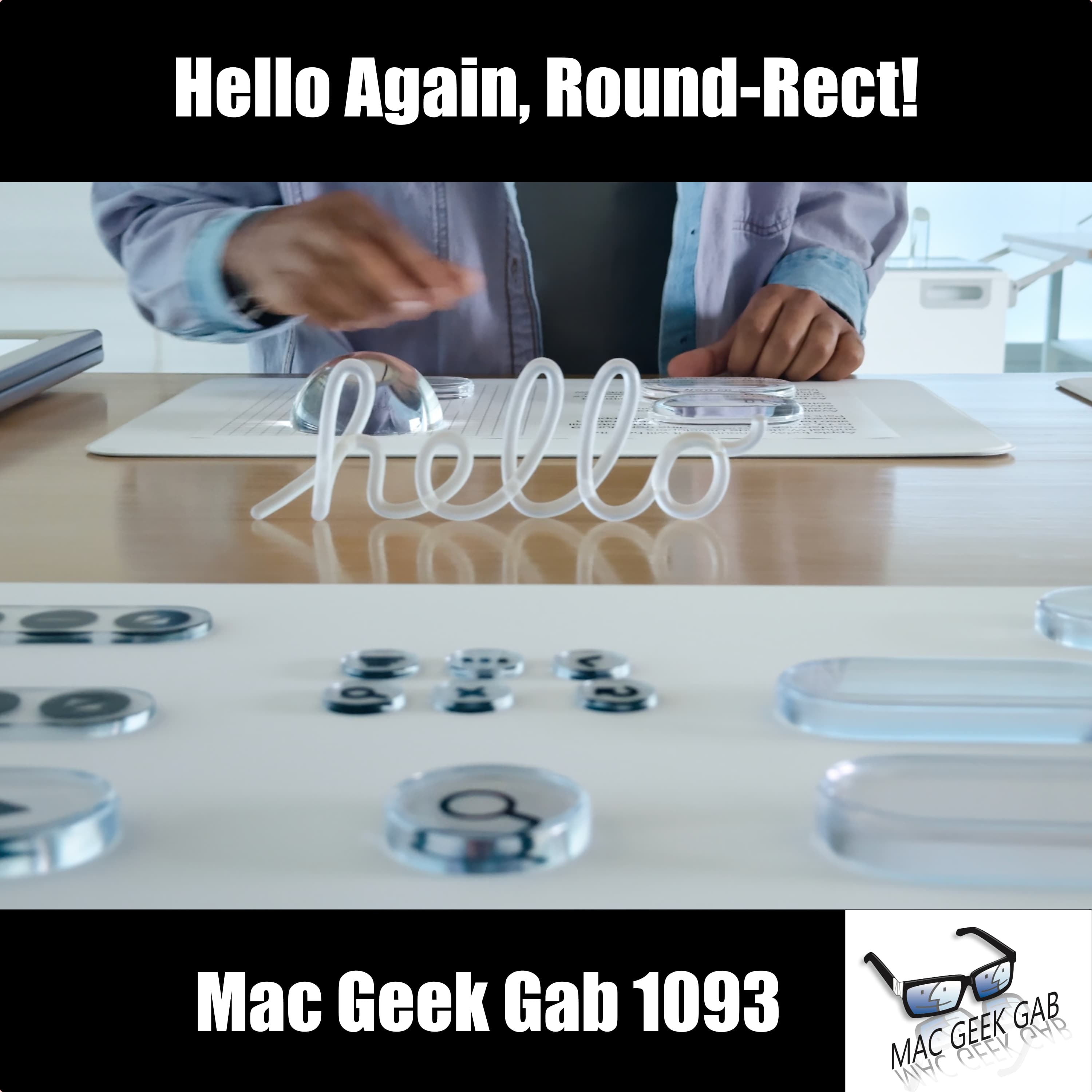
Hello Again, Round-Rect!
In this week’s Mac Geek Gab, you, Pilot Pete, Adam Christianson, and Dave Hamilton dig deep into everything Apple announced for macOS 26 “Tahoe” and beyond. Get the scoop on which Macs make the cut, how Spotlight finally grows up into a proper launcher—with clipboard history—and why Shortcuts just became your new automation best friend. iPadOS 26 is the surprise hero with windowed multitasking, ba
MGG...Jeopardy Style
This week on Mac Geek Gab, you’ll learn how to outsmart your tech before it tries to outsmart you. Pilot Pete, Adam Christianson, and Dave Hamilton deliver a barrage of Quick Tips, including reviving dead notifications by force-quitting Notification Center, rethinking your Dock layout for remote desktops, and leveraging iOS’s default translate app setting. You’ll also discover how to scrub orphane
Is That Foreboding or Foreshadowing?
Ever wished you could merge your Apple accounts or automate your lawn care? This week’s Mac Geek Gab has you covered!
Discover how to finally merge your Apple accounts, combining your purchases and iCloud data seamlessly. Dave, Adam, and Pete dive into the long-awaited solution for those juggling multiple Apple IDs. Don’t get caught with fragmented accounts any longer!
The hosts also e

Tab-itis Is Real...and It's OK!
Are you tired of struggling with Wi-Fi issues and tech frustrations? This episode of Mac Geek Gab has you covered with solutions to common problems and clever tips to enhance your tech experience.
Dive into a world of Wi-Fi troubleshooting as the Pete, Adam, and Dave discuss solutions for UPS power-up issues and explore ways to improve network connectivity. Learn how to use Siri to delete all alar

iCloud Alter Egos, Dock Duplicates, and Synology's Shenanigans
This week’s Mac Geek Gab is bursting with power-user gold, thanks to Dave, Pilot Pete, and Adam Christianson. You’ll learn how to command Time Machine from Terminal like a pro, tame your iCloud email identities, and even resize your Dock to fit your vibe. Quick Tips fly fast, from dragging contacts into Numbers alternatives to “Hide My Email.” And if your Dock’s perfect on one Mac and a mess
iPhone Tricks, Gigabit Wi-Fi, and Life on 256GB
You’re sitting on a goldmine of Apple and tech hacks this week. From drag-and-drop magic on your iPhone to bypassing pesky paywalls with News+, you’ll pick up power-user moves fast. If your Mac’s hiding your Desktop folder, it might be time to nuke that Finder.plist…or maybe update your Finder’s sidebar settings. Need to upgrade your Wi-Fi to keep up with 2Gbps fiber? You’ll get step-b

Fix Your Wi-Fi, Upgrade Your Podcast Rig, and Travel Smarter
This week on Mac Geek Gab 1087, you get packed with Quick Tips to sharpen your workflow: send lyrics via text from Apple Music with a long press, use ChatGPT smarter for search, and master the magical Cmd-Opt-Shift-V paste for plain text. Discover how Hazel tames your Downloads folder, 1Password tags speed up your secure searches, and a Finder favorites fix keeps your go-to folders front and cente
Embracing Schrödinger's Desktop
You’ll walk away from this episode armed with rapid‑fire Quick Tips that shave precious seconds off your day: shuffle your iOS wallpaper for fresh vibes automatically, sling “>>” in Notes to summon recent docs, and force‑sync iCloud Photos when lag strikes. Dial down cellular burnout with Low Data Mode—yes, Mint Mobile’s “unlimited” finally lives up to its name—and tap dual‑language ke

Password Hygiene, Custom GPT Hacks, and Your Best Travel Battery
This week’s Mac Geek Gab is your fast lane to smarter tech moves, featuring Pilot Pete, Adam Christianson, and Dave Hamilton steering you through the latest Quick Tips and listener Q&A. You’ll learn how to turn your car’s Source button into a play/pause controller, why stuffing your user manuals into a custom GPT might be your next life hack, and how AI tools like Perplexity are leveling up fa
macOS 15.4 Fixes, Smart Home Discounts, & AirPods Battery Tips
You picked the right episode to level up your tech game. This week on Mac Geek Gab, you’ll pick up smart Quick Tips like telling your homeowners’ insurance about your smart devices for potential savings, using UK plugs on US airplanes for reliable power, and mastering note navigation on macOS with Command-Return. You’ll even learn how to trigger gestures with your voice and why bringing an Apple T
Recommended
Crickets Corner
History of the Earthquake and Fire in San Francisco

Fox news

K-Drama Obsessed Mamas | Beyond “Just One More Episode!”

True Crime Classics

The Healer Revolution

Becoming: HER with Nikki Spoelstra
Booked, Blonde & Busy w/ Olivia Ponton

McKinsey on Consumer and Retail

megahired.com

Hard Knocks Podcast

Effective Weight Loss for Moms | High protein, Strength Training, Lose Weight, Meal Planning, Fat Loss, Healthy Habits
